Attribution defaults
Set how conversions are credited for the whole workspace, from the goal window to the default goals for each channel.
Attribution is how TrueEngage decides that a conversion belongs to a message or an ad. Attribution under Settings sets a starting point for the whole workspace. A campaign, flow or table that sets its own value keeps it.
Before you start
- You need permission to manage settings to change the defaults. With only view permission you can read them.
- A default only fills in what is left unset: ad tables opened without a choice in the address, goals and flows saved from now on without their own window, and new campaigns on a channel with default events.
- A default never changes a goal that is already saved, a number already reported, or anything someone chose on purpose. Nothing is back-filled.
Set the defaults
- In the sidebar, open Settings, then All settings, and select Attribution.
- Read the What this does card. It lists, in words, what your saved defaults do. With nothing set, it says that everything keeps its built-in behaviour.
- Use the section list to move between Ad tables, Goal windows and Channel goals.
- Select Save defaults.
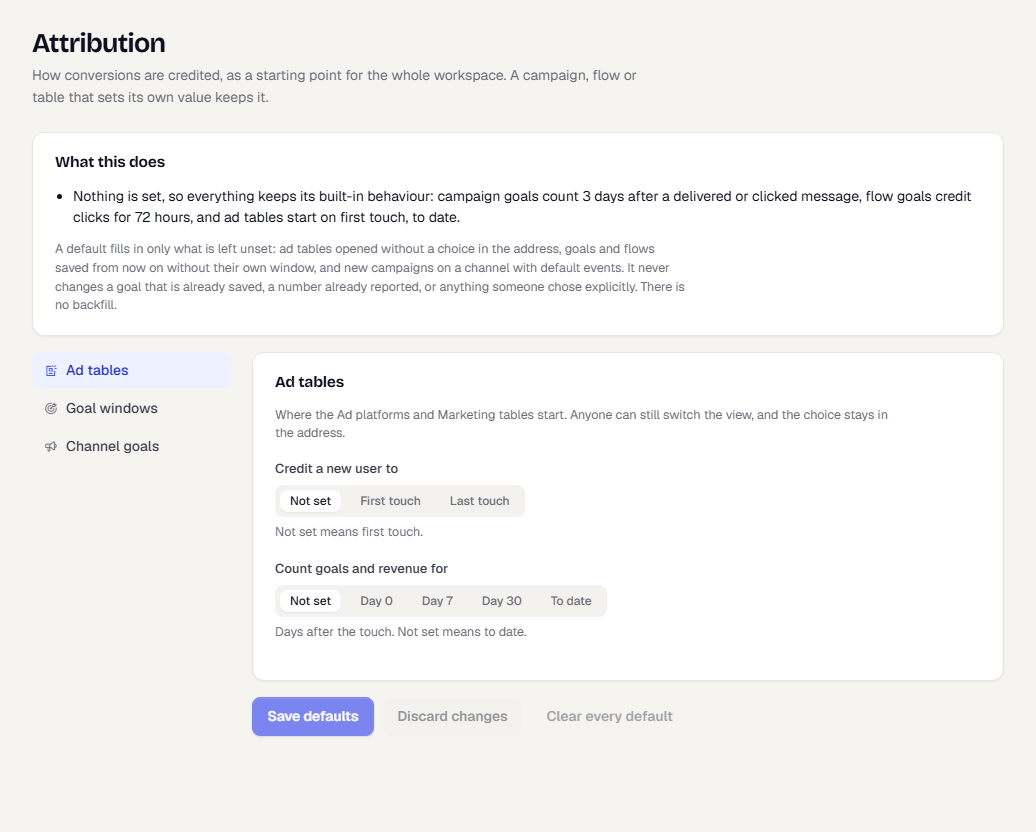
Ad tables
This is where the Ad platforms and Marketing tables start. Anyone can still switch the view, and their choice stays in the page address.
- Credit a new user to: Not set, First touch or Last touch. Not set means first touch.
- Count goals and revenue for: Not set, Day 0, Day 7, Day 30 or To date. This is the number of days after the touch. Not set means to date.
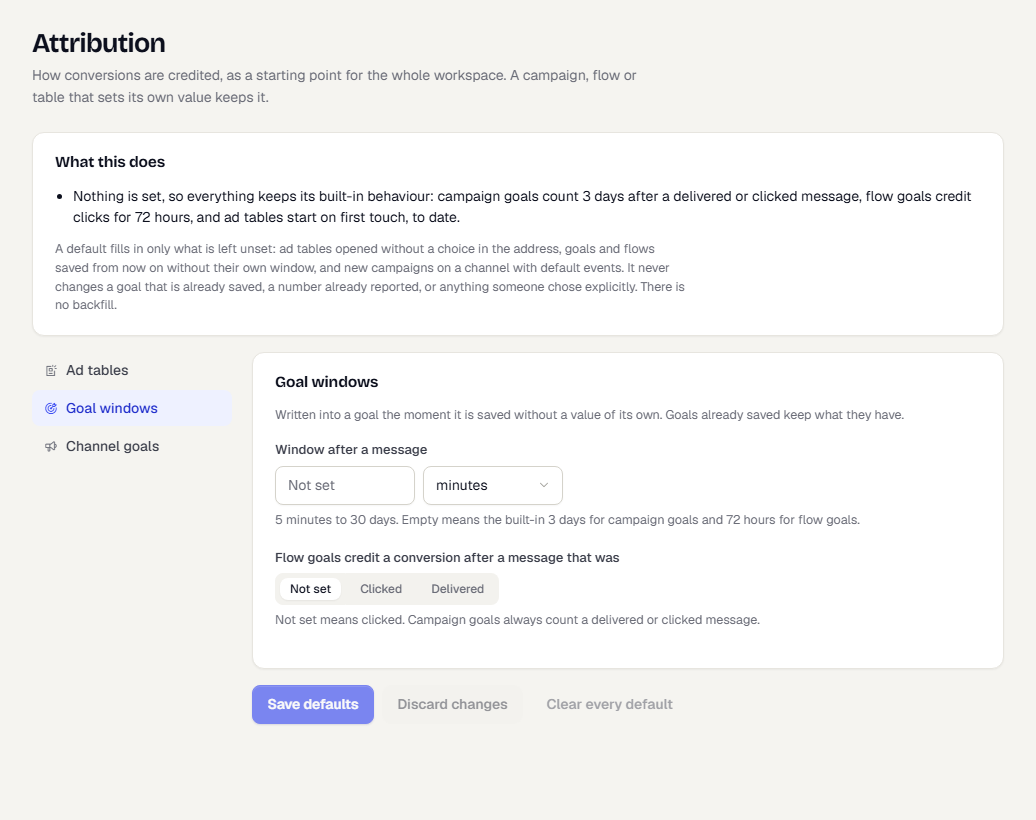
Goal windows
A goal window is how long after a message a conversion still counts.
- Window after a message: a number and a unit (minutes, hours or days), from 5 minutes to 30 days. It is written into a goal the moment the goal is saved without a window of its own. Empty means the built-in 3 days for campaign goals and 72 hours for flow goals.
- Flow goals credit a conversion after a message that was: Not set, Clicked or Delivered. Not set means clicked. Campaign goals always count a delivered or clicked message.
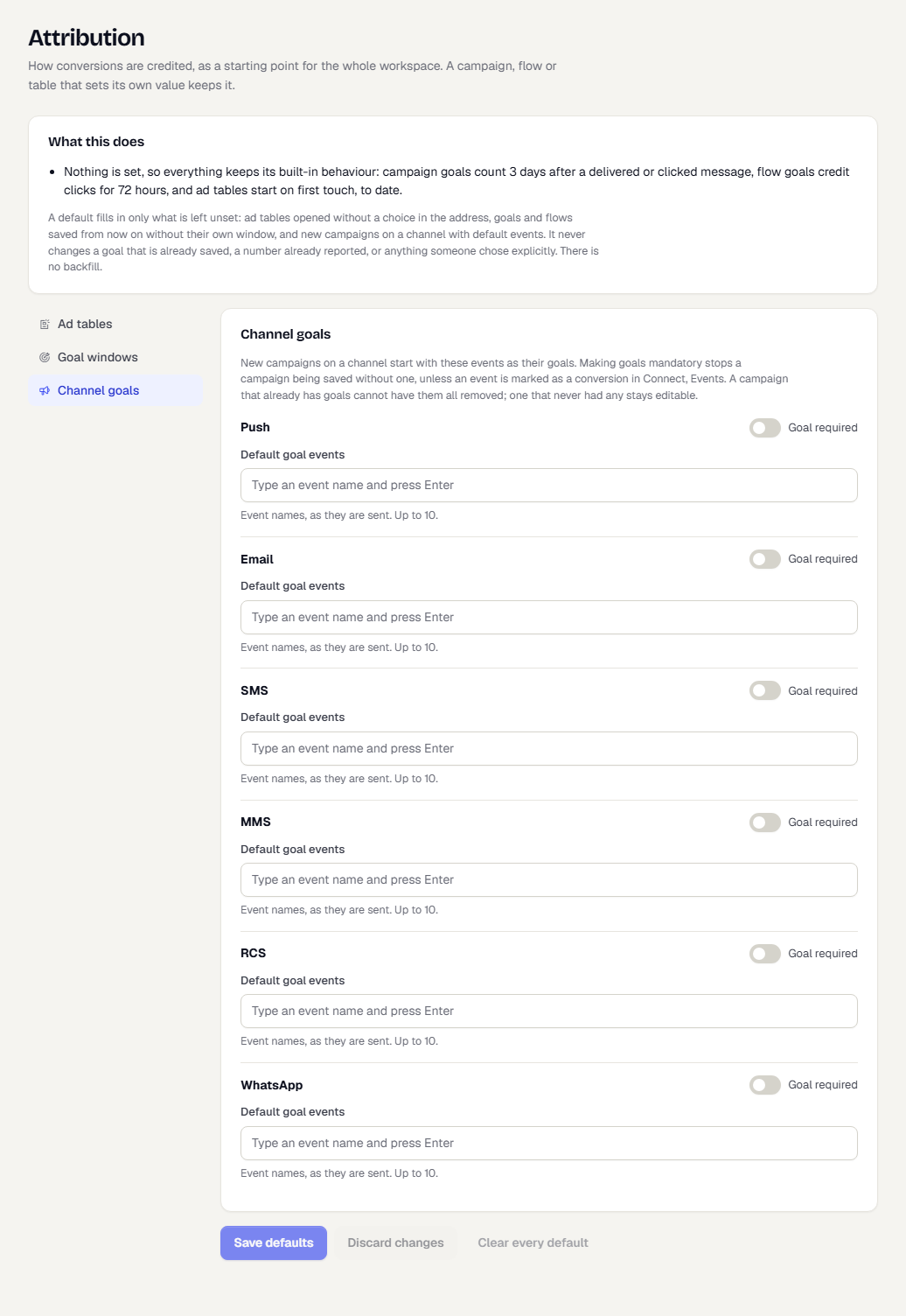
Channel goals
Each channel (Push, Email, SMS, MMS, RCS and WhatsApp) has two settings:
- Default goal events: event names, as they are sent, that new campaigns on that channel start with as their goals. Type a name and press Enter. You can add up to 10.
- Goal required: stops a campaign being saved without a goal, unless an event is marked as a conversion under Data, Data Management, Events. A campaign that already has goals cannot have them all removed.
Undo the defaults
Select Clear every default to return to the built-in behaviour. Discard changes drops edits you have not saved.
Related
Was this page helpful?