Conversion history
Follow the background runs that credit or remove conversions on past events.
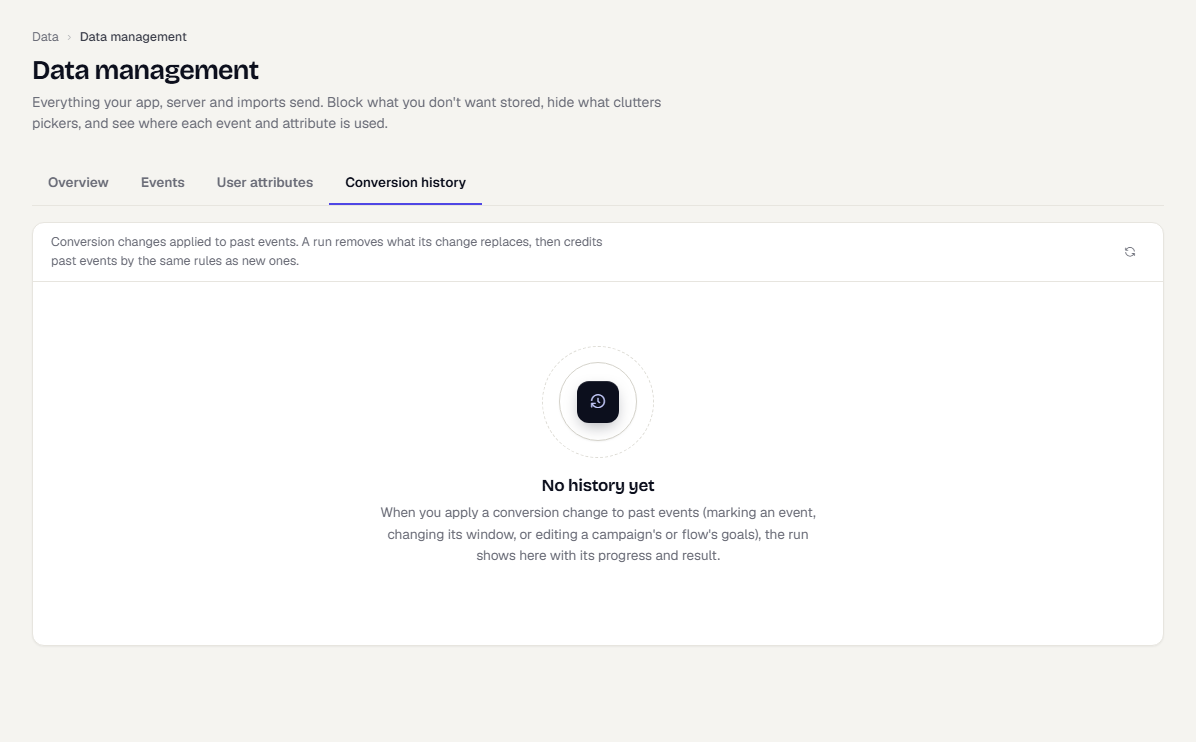
The Conversion history tab lists every run that applied a conversion change to past events. A run first removes what its change replaces, then credits past events by the same rules as new ones.
When a run is created
A run starts when you save a change and choose to apply it to past events:
- Marking an event as a conversion, changing its window or value property, or turning it off. See Manage events.
- Editing the goals of a campaign or flow.
- Importing events that match a goal. See Data imports.
Read the history
- In the sidebar, open Data, then Data Management, and select the Conversion history tab.
- Each row shows the change, its status, the result (credited and removed counts), who requested it and when.
A running run shows a progress bar with events scanned. A queued run starts when the run ahead of it ends. A failed run shows its error. A cancelled run keeps what it already changed.
Cancel or retry a run
Select the three-dot menu on a row. You can open the event, cancel a queued or running run, or retry a failed one. A count next to the tab name shows how many runs are in progress.
Use the refresh button to update the list.
What happens next
- Change conversion settings in Manage events.
Was this page helpful?