Choose a light or dark theme
Switch the console between light, dark and your device's setting, from the account menu or the Appearance tab.
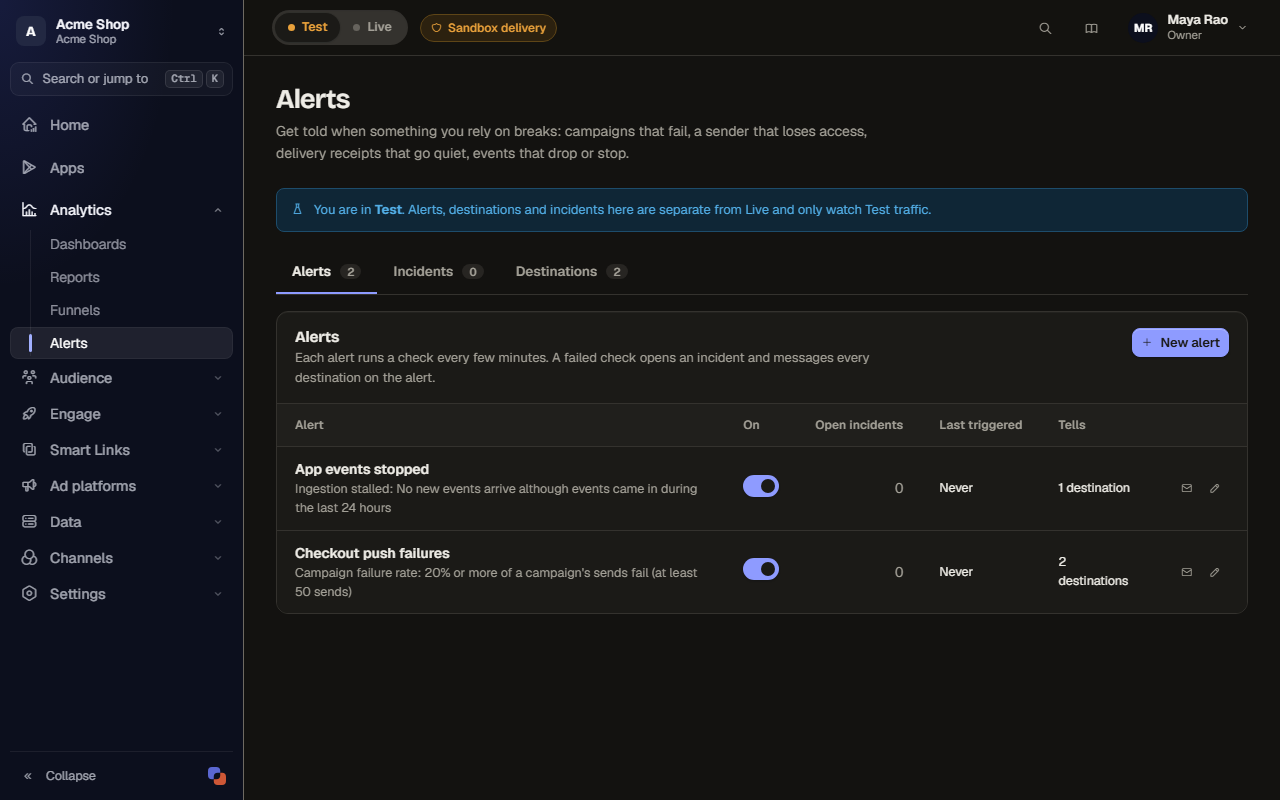
The console has a light theme and a dark theme. You can pick one, or let it follow your device.
Before you start
- The choice applies to the console in this browser. It is not saved to your account, so set it again on another browser or device.
- The sign-in pages and onboarding follow your choice too. The marketing site and these docs are not themed.
- If you have never chosen, the console follows your device's setting.
Switch the theme from the account menu
- Select your name at the top right of any page.
- Under Appearance, select Light, Dark or System.
The page changes at once, with no reload.
Choose on the Appearance tab
- In the sidebar, open Settings, then Account.
- Select the Appearance tab.
- Under Theme, pick one of three cards:
- Light: warm paper and white sheets.
- Dark: warm ink, easier at night.
- Match system: follows your device, live. When your device switches to dark at sunset, so does the console.
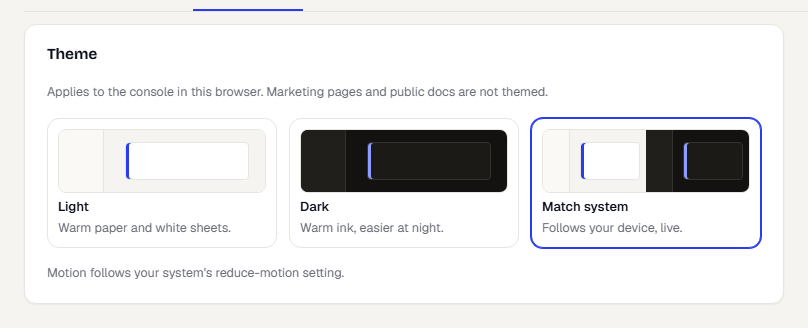
Motion follows your device's reduce-motion setting.
What stays light
Previews of the messages you write, such as the push lock screen, the email and the SMS, always show light. They show what your customer sees, and your customer's device decides their theme. Charts redraw in colours chosen for the dark background.
Related
Was this page helpful?